
Introduction
useEffect is arguably the most misunderstood hook in the React ecosystem. Since its introduction in React 16.8, it has become the default escape hatch for everything from data fetching and subscriptions to manual DOM mutations and state synchronization. Yet, its flexibility is also its greatest liability: developers routinely reach for useEffect when a derived value, an event handler, or a simple key prop would suffice.
The consequences are tangible — stale closures, missing cleanup functions, race conditions in asynchronous logic, and dependency arrays that lie about what the Effect actually needs. The React team has been explicit about this: “You Might Not Need an Effect.”
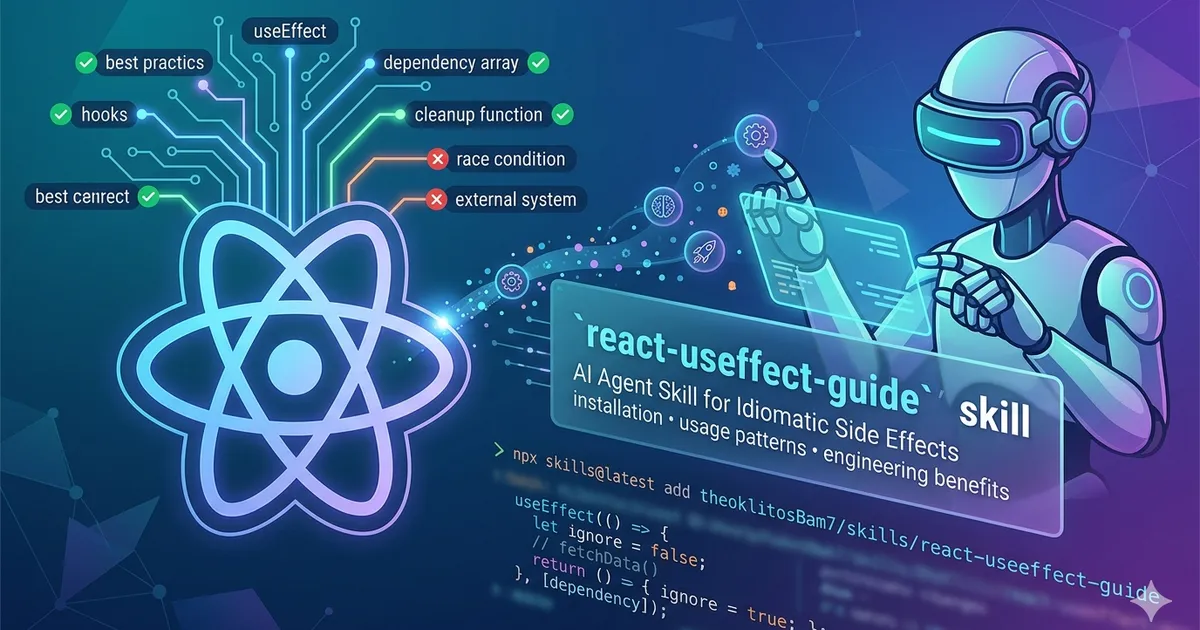
To operationalize this guidance within AI-assisted development workflows, I created the react-useeffect-guide skill — a portable, agent-agnostic knowledge module that any AI coding agent can load and apply. This article documents its installation, usage patterns, and the engineering benefits of embedding idiomatic useEffect discipline directly into your agent-assisted workflow.
What Is the react-useeffect-guide Skill?
The react-useeffect-guide is a specialized knowledge skill for AI coding agents that provides comprehensive, context-aware guidance for writing, reviewing, and refactoring useEffect code. Rather than treating useEffect as a generic utility, the skill encodes the React team’s canonical best practices into actionable heuristics that the agent can apply during code generation, review, and refactoring tasks.
Design Philosophy
The skill is built around a single, non-negotiable principle:
useEffectexists to synchronize a component with an external system — anything outside React’s control.
If there is no external system involved, you do not need an Effect. This golden rule acts as the first filter in the skill’s decision pipeline, preventing the agent from generating unnecessary Effect-based abstractions.
Installation
The skill is distributed through the skills CLI and can be installed into any compatible AI agent environment in a single command:
npx skills@latest add theoklitosBam7/skills/react-useeffect-guideThis command fetches the skill definition from the repository and registers it with your local agent harness. Once installed, the agent automatically surfaces the skill’s knowledge whenever the conversation context involves useEffect, cleanup functions, dependency arrays, useLayoutEffect, or external system synchronization. No additional configuration is required.
For the full catalog of available skills and detailed CLI documentation, see the skills repository README.
Usage and Trigger Conditions
The skill activates automatically when the agent detects any of the following contextual signals:
- Explicit mentions of
useEffect,useLayoutEffect, or cleanup functions - Dependency array discussions or
react-hooks/exhaustive-depswarnings - Data fetching patterns inside components
- State synchronization logic between sibling or parent-child components
- Custom hooks that wrap imperative side effects
When triggered, the skill injects its decision checklist and anti-pattern catalog into the agent’s reasoning context, ensuring that generated or reviewed code adheres to React’s recommended patterns. The skill definition itself is agent-agnostic — any harness that supports Markdown-based skill files can load and interpret it.
The Quick Decision Checklist
Before the agent emits any useEffect usage, it evaluates the following checklist:
| Question | If Yes | If No |
|---|---|---|
| Can I derive this value during render? | Calculate inline or use useMemo |
Proceed |
| Does this run because of a user interaction? | Move to event handler | Proceed |
| Am I syncing state between sibling/parent components? | Lift state up or use key |
Proceed |
| Am I subscribing to a React-external store? | Consider useSyncExternalStore |
Proceed |
| Am I only using this Effect pattern in one place? | If not, extract a custom hook | Proceed |
| Does my cleanup perfectly mirror my setup? | Verify symmetry | Refactor |
| Are all reactive values in the dependency array? | Never suppress linter warnings | Fix root cause |
| Am I fetching data? | Add ignore guard; prefer a framework or library |
Proceed |
This checklist acts as a gate. The vast majority of useEffect misuse is caught at step one or two.
Core Patterns and Anti-Patterns
The skill encodes several high-impact anti-patterns with their corrected implementations. Below are the most common cases the agent will flag or prevent during code generation.
Anti-Pattern 1: Deriving Data from State or Props
Deriving state inside useEffect introduces an unnecessary render cycle and a potential source of desynchronization.
// ❌ BAD: unnecessary Effect + state
const [fullName, setFullName] = useState("");
useEffect(() => {
  setFullName(firstName + " " + lastName);
}, [firstName, lastName]);

// ✅ GOOD: compute during render
const fullName = firstName + " " + lastName;
Anti-Pattern 2: Event Logic Inside Effects
Side effects that respond to user actions belong in the event handler, not in an Effect that reacts to state changes.
// ❌ BAD: notification in Effect
useEffect(() => {
  if (product.isInCart) showNotification(`Added ${product.name}!`);
}, [product]);

// ✅ GOOD: in the event handler
function handleBuyClick() {
  addToCart(product);
  showNotification(`Added ${product.name}!`);
}
Anti-Pattern 3: Resetting State on Prop Change
Using useEffect to reset state when a prop changes is fragile and obscures the component’s lifecycle intent.
// ❌ BAD: Effect to reset state
useEffect(() => {
  setComment("");
}, [userId]);

// ✅ GOOD: pass key to force remount
<Profile key={userId} userId={userId} />;
Correct Structure
When useEffect is genuinely required, the skill enforces a strict structural contract:
useEffect(() => {
  // SETUP: connect to / start the external system
  const connection = createConnection(serverUrl, roomId);
  connection.connect();

  // CLEANUP: must mirror and undo the setup
  return () => {
    connection.disconnect();
  };
}, [serverUrl, roomId]); // DEPENDENCIES: every reactive value used inside
The cleanup must be the semantic inverse of the setup. This symmetry is non-negotiable and is explicitly validated by the skill during code review.
Data Fetching and Race Conditions
Data fetching remains the most common misuse of useEffect. The skill enforces a strict pattern for fetch Effects to prevent stale responses and race conditions:
useEffect(() => {
  let ignore = false;

  async function fetchData() {
    const result = await fetchBio(person);
    if (!ignore) setBio(result); // discard if superseded
  }
  fetchData();

  return () => {
    ignore = true;
  };
}, [person]);
However, the skill goes further: it actively discourages raw fetch inside useEffect in favor of superior alternatives:
- Framework-level fetching (Next.js
getServerSideProps/ Server Components, Remix loaders) - Data-fetching libraries (TanStack Query, SWR, React Router 6.4+ loaders)
- Custom hooks that wrap the
ignoreguard pattern above
This hierarchy reflects the React team’s current architectural direction: move data fetching out of the component lifecycle whenever possible.
useEffect vs. useLayoutEffect
The skill draws a sharp distinction between these two hooks. useLayoutEffect is reserved for cases where the Effect reads or writes layout-affecting DOM properties and a visual flicker would be noticeable because the browser paints before the Effect runs.
For the vast majority of cases — subscriptions, timers, logging, non-layout DOM manipulation — useEffect is correct. The agent will default to useEffect and only suggest useLayoutEffect when the context explicitly involves synchronous layout measurement or positioning.
Benefits of the Skill
Embedding the react-useeffect-guide skill into your AI-assisted workflow yields measurable engineering benefits:
1. Consistent Code Quality at Scale
When multiple developers interact with agent-assisted workflows, the skill acts as a single source of truth for useEffect conventions. It eliminates the variability that comes from individual developers having different mental models of the hook.
2. Proactive Bug Prevention
By enforcing the decision checklist before any useEffect is generated, the skill prevents entire classes of bugs: memory leaks from missing cleanup, infinite re-render loops from incorrect dependencies, and race conditions from unguarded fetches.
3. Accelerated Code Review
During review tasks, the agent surfaces violations of the skill’s rules with precise explanations and corrected code. Reviewers spend less time explaining React fundamentals and more time evaluating domain logic.
4. Onboarding Velocity
Junior developers working alongside the agent receive contextual, just-in-time education on useEffect best practices. The skill transforms the agent from a passive code generator into an active mentorship tool.
5. Linter Compliance Without Suppression
The skill treats react-hooks/exhaustive-deps warnings as hard errors. It never generates // eslint-disable-next-line comments for dependency arrays; instead, it refactors the code to have correct, honest dependencies.
Conclusion
The react-useeffect-guide skill distills years of React community learning into an automated, always-available technical advisor. By encoding the React team’s canonical guidance into the agent’s reasoning context, it ensures that useEffect is used precisely, sparingly, and correctly.
In an ecosystem where the wrong abstraction can propagate through a codebase with alarming speed, having an agent that defaults to the right patterns is not a convenience — it is an architectural safeguard.
Installation is trivial. The impact is structural.
Skill Repository: The react-useeffect-guide skill is maintained as part of my personal skills collection. It can be installed via the skills CLI and is compatible with any agent harness that supports standard Markdown-based skill definitions.
References: